

Unox Data Driven Cooking (DDC) is a cloud platform and app that turns connected-oven telemetry into operational insights for consistent cooking and energy savings. It monitors energy, water and detergent use alongside cooking times and door-open duration, then presents that data through a dashboard built for estate management and downloadable HACCP compliance logs.
TL;DR:
- DDC records electricity, gas, or steam use, water and detergent consumption, cooking times, duration of open doors, working hours, and alerts, with downloadable HACCP logs.
- Compatible CHEFTOP, BAKERTOP, EVEREO, SPEED, and SHOP models still need internet access and supported firmware; confirm each oven before planning deployment.
- Teams managing several sites can group ovens by region or type, then distribute recipes and firmware updates centrally to reduce settings drift across kitchens.
- Before rollout, verify network stability, firewall access, firmware, and administrator ownership, then pilot one oven or site and expand only after data appears correctly.
- Review door opening patterns with staff and track a weekly target; rising cycle times or energy use can prompt service before breakdown.
Table of Contents
- What Data Driven Cooking is and what changed in DDC 2.0
- Which metrics DDC actually tracks
- How to access and set up DDC in your kitchen
- Core features: recipe library, remote roll-out and reporting
- How operators put DDC to work every day
- Compatibility, limitations and a rollout checklist
- Tips for getting the most value from DDC
- Why DDC fits modern kitchen strategy
- How we help you put DDC to work
- FAQ
- Sources
What Data Driven Cooking is and what changed in DDC 2.0
DDC combines a cloud platform, a mobile app and a web dashboard so operators can watch connected Unox ovens from anywhere with a signal. The system was built to convert raw consumption figures into decisions rather than leaving chefs to interpret spreadsheets, and Unox’s app store listing describes it as a tool for spotting waste and improving daily profitability.
The 2.0 version shifted the emphasis towards estate and group management, giving multi-site operators a way to oversee several kitchens from one screen. According to coverage of the DDC 2.0 launch, the update was developed from customer feedback to move the platform beyond basic connectivity into one that recommends actions rather than simply displaying figures. For operators, that means faster recipe roll-outs, central control over software updates and a clearer line of sight into which units are underperforming before a breakdown happens.

Which metrics DDC actually tracks
DDC’s value comes from the breadth of what it records, not just the headline energy figure. Each metric maps to a specific cost or quality concern in the kitchen.
- Energy consumption (electricity, gas or steam): ties directly to running costs and carbon reporting.
- Water and detergent usage: tracks wash-cycle frequency and consumables spend.
- Cooking times and door-open duration: flag quality drift, slow throughput and heat loss.
- Cumulative working hours and alerts: support predictive maintenance scheduling.
As of 2026, Unox DDC monitors energy, water, detergent, cooking times and door-open duration across compatible ovens, according to the App Store listing for DDC, giving operators a single source of truth for both cost control and food safety. The platform also keeps a colour-coded, downloadable HACCP log, so compliance records are ready for inspection without separate paperwork.
How to access and set up DDC in your kitchen
Getting started depends on having an internet-connected, compatible Unox oven. From there, the process is straightforward.
- Confirm your oven model is DDC-compatible and connected to a stable network.
- Create a DDC account at ddc.unox.com and install the mobile app on iOS or Android, or use the web dashboard.
- Pair the oven with your account and assign user roles (admin, kitchen manager, operator).
- Set up groups if you manage more than one site or oven type.
- Run a test cycle and confirm data appears correctly on the dashboard.
IT and kitchen managers should check network reliability, firewall rules for cloud connectivity and who holds admin rights before going live.
Pro Tip: Set one admin account and restricted operator logins from day one, so recipe changes and firmware updates can only come from one controlled source.
Core features: recipe library, remote roll-out and reporting
Day to day, DDC’s usefulness comes down to a handful of features that save time across one kitchen or an entire estate.
- Recipe library and sharing: corporate chefs can build model-specific recipes and distribute them with one click.
- Digital download: pushes recipes and firmware updates to a single oven or a whole group at once.
- Grouping and estate views: organise ovens by region, brand or oven type for centralised oversight, a capability Unox’s DDC 2.0 announcement describes as effortless management across an individual kitchen or an entire estate.
- Alerts and role-based access: notify the right person when a metric drifts outside normal range.
- Downloadable HACCP and compliance exports: ready-made reports for food safety audits.
For multi-site operators, the ability to group units and roll out a recipe or firmware update centrally removes a lot of the variation that creeps in when every kitchen tweaks its own settings.
How operators put DDC to work every day
The real payoff shows up in daily habits rather than headline figures. Kitchens that get the most from DDC tend to build it into routine, not just quarterly reviews.
- Coaching staff on door-open time: short bursts of open-door time waste energy, and the data makes the pattern visible.
- Standardising recipes across sites: faster onboarding and fewer quality complaints when every oven runs the same programme.
- Spotting underperforming units early: scheduling a service call before a full breakdown.
- Planning labour and menu cadence: analytics show peak usage windows, which helps with staffing and prep timing.
Industry commentary on connected cooking systems notes that operators get the most value by pairing DDC analytics with a short pilot phase and a coaching programme aimed at specific behaviours the data reveals, such as door-open timings.
Pro Tip: Build a simple weekly KPI, such as average door-open time under a set number of seconds, and review it in team briefings alongside your energy targets.
Compatibility, limitations and a rollout checklist
DDC works with CHEFTOP and BAKERTOP MIND.Maps™, CHEFTOP-X™, BAKERTOP-X™, EVEREO®, SPEED-X™, SPEED.Pro™ and SHOP.Pro™ MASTER/TOUCH/LED models, all confirmed as compatible by Unox’s own app documentation. The oven must be internet-enabled and running supported firmware; without connectivity, the monitoring features simply cannot report back, so it is worth agreeing an offline fallback policy for any site with patchy broadband.
A phased rollout keeps the risk manageable:
- Inventory existing ovens and confirm which models qualify.
- Check network readiness at each site.
- Assign user roles before go-live.
- Pilot on one unit or site first.
- Expand in phases once data flow is confirmed.
Tips for getting the most value from DDC
Accurate data starts with correct commissioning. A Unox oven sited and installed properly, using the right ventilation and the correct installation kit, reports cleaner, more reliable figures than one fitted as an afterthought, and official DDC documentation recommends verifying firmware and network stability before relying on reported data.
Pairing DDC analytics with a planned maintenance schedule turns the platform from a monitoring tool into a prevention tool: a gradual rise in cycle times or energy draw on one unit is often the earliest sign something needs attention. We support that process directly, from choosing a compatible oven and the right installation kit through to aftercare, so the data you see on the dashboard reflects a properly commissioned kitchen rather than a workaround.

Why DDC fits modern kitchen strategy
Connectivity is no longer a bonus in professional kitchens, it is becoming standard infrastructure alongside gas and water. DDC’s real contribution is turning that connectivity into energy discipline and consistency across sites, not just a dashboard to glance at occasionally. The kitchens that benefit most treat the data as a feedback loop for continuous improvement, not a one-off audit.
— Simon
How we help you put DDC to work
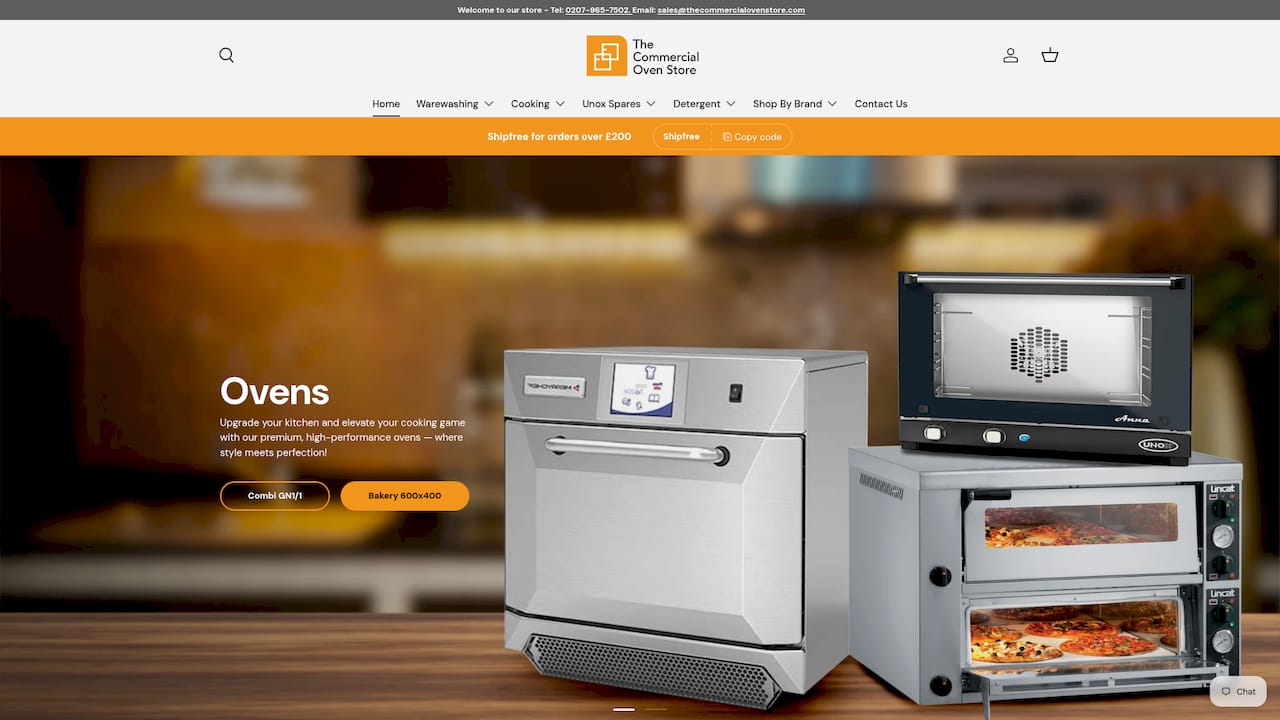
Choosing the right oven matters as much as the software sitting on top of it. We supply genuine Unox convection ovens and a full range of Unox models, alongside Rational and other commercial ovens, so you can pick the unit that matches your kitchen’s throughput and DDC compatibility needs.
Beyond the hardware, we offer:
- Expert advice on which oven and installation kit suit your kitchen layout.
- A professional installation service to get commissioning right the first time.
- Flexible payment options through iwocaPay, so a new oven does not have to strain cash flow in one go.
- Access to Unox accessories and compatible kit to keep your estate running smoothly.
If you are planning a DDC rollout or simply need a reliable oven behind it, get in touch for a quote or an installation survey and we will help you choose the right setup from the start.
FAQ
What is Unox Data Driven Cooking (DDC)?
Unox DDC is a cloud platform and app that monitors connected ovens remotely, tracking energy, water and detergent use along with cooking times and door-open duration. It is designed to turn that data into practical actions, such as spotting waste or catching an underperforming unit, according to Unox’s own app listing.
Which Unox ovens work with DDC?
DDC supports CHEFTOP and BAKERTOP MIND.Maps™, CHEFTOP-X™, BAKERTOP-X™, EVEREO®, SPEED-X™, SPEED.Pro™ and SHOP.Pro™ MASTER/TOUCH/LED models, as listed in the official app documentation. Each oven needs an internet connection to report data back to the platform.
How do I set up DDC on my oven?
You need an internet-connected compatible oven, then you create an account via ddc.unox.com and install the mobile app or use the web dashboard. From there, you pair the oven, set up user roles and confirm data is flowing correctly.
What does DDC 2.0 add over the original platform?
DDC 2.0 introduced estate-level grouping, improved analytics and remote recipe and firmware roll-out, letting operators manage several kitchens or regions from a single view, according to reporting on the DDC 2.0 launch. It was built to help chains detect underperforming units and maintain consistency across sites.
Can DDC help with energy and sustainability targets?
Yes, DDC’s energy and water tracking gives operators concrete figures to set and monitor reduction targets against, which fits naturally alongside broader sustainability planning such as the approach outlined in this operator guide to sustainability in food service. Pairing that data with staff coaching on habits like door-open time tends to produce the most consistent gains.
Sources
- Unox Data Driven Cooking - App Store
- Unox unveils Data Driven Cooking 2.0 solution
- Unox launches DDC 2.0 to take cloud-based reporting to ‘new heights’
- Welcome to Data Driven Cooking | Guide and Documentation