

Rational oven error codes are service and safety level diagnostic messages that map a displayed number to a specific subsystem. Combustion and gas related messages (the 32.x and 33.x family) need an immediate safety check and a proper controller reset, not just a restart. Everything else can usually wait for a structured check, which this guide covers group by group.
TL;DR:
- Codes in the 32.x and 33.x family regarding combustion and gas control require immediate safety checks and proper controller resets, not just restarts.
- Probe faults (31.x codes) often relate to wiring or connector issues, with quick replacement of the probe being a common first step after wiring confirmation.
- Repeated ignition or gas control faults need formal reset procedures specific to the oven model, and multiple failed attempts can cause system lockouts.
- Accumulated errors marked as code 140 indicate several unresolved faults, demanding a comprehensive log review before further diagnosis.
- Routine checks of wiring, supply basics, and reset procedures, along with maintaining detailed fault history, significantly reduce repeat callouts and false diagnostics.
Table of Contents
- How Rational groups error and service codes
- Detailed breakdown: core code groups and what they tell you
- Step by step checklist for diagnosing a fault on site
- Cleaning and maintenance faults from iCareSystem and CleanJet
- Parts, PCB and LED diagnostics: when to replace, not reset
- Contacting Rational service with the right information
- What years on call-outs teach you about repeat faults
- Getting the right parts and advice from The Commercial Oven Store
- FAQ
- Sources
How Rational groups error and service codes
Rational splits displayed messages into two broad bands: codes that the oven shows to kitchen staff during normal operation, and internal service messages meant for technicians and the service menu. The second group is what you are triaging on a callout, and it clusters into recognisable families rather than a random list of numbers.
Knowing the family tells you where to start before you open a panel.
- 31.x codes point to core or shaft probe faults, meaning a temperature sensor or its wiring is suspect.
- 32.x and 33.x codes cover the combustion system and gas control, including ignition and gas supply faults.
- Service 10 to 34 is a broader band covering pumps, PCBs, level electrodes and solid state relays.
- Code 140 signals an accumulation of errors rather than one fault, meaning several messages have built up without being cleared.
Treat the 32.x and 33.x family as priority one. A 31.x probe fault or a Service code in the middle of the range is usually safe to schedule, while 140 is a prompt to stop guessing and work through the full log.
Detailed breakdown: core code groups and what they tell you
Each family behaves differently on site, and the fix rarely matches what the display alone suggests.
- 31.x, core and shaft probe errors. These relate to the core temperature probe or the shaft encoder probe. Check the connector for corrosion or a loose pin, then test continuity along the lead before assuming the probe itself has failed. A probe swap is cheap and quick, so it is often the first thing worth trying once wiring is confirmed sound.
- 32.x and 33.x, ignition box and gas control faults. The automatic ignition controller monitors combustion and will raise a 32.x or 33.1 message when something in the gas supply or ignition path is out of tolerance. According to Rational’s technical information on the ignition controller, the controller must be formally reset once the cause is resolved, because a simple restart does not clear the fault. Reset methods differ by unit index and generation: iCombi Pro units typically use a green tick in the service menu, while older SelfCookingCenter units use a dedicated “Reset Gas” button or, on CMP models, the clock button sequence “rES”. Repeated failed ignition attempts can lock the system out for safety, so resetting without fixing the underlying cause only invites another lockout.
- Service 10 to 34, short function failures. This band covers specific hardware faults: Service 10 flags the cleaning pump without function, Service 25 points to faulty CleanJet water circulation, Service 29 indicates the PCB has overheated, and Service 32.x again marks an ignition box fault. Each is narrow enough that the number alone tells you roughly where to look before you open the cabinet.
- 140, accumulation of errors. This is not a single fault but a marker that several service messages have piled up unresolved. Treating 140 as a trigger to review the full fault log, rather than chasing the latest symptom, is the most reliable way to catch a developing failure before it strands a kitchen during service.
Step by step checklist for diagnosing a fault on site
Work through this in order rather than jumping straight to parts.
- Isolate power and gas if any combustion related code is showing, and wear the PPE your site requires before opening panels.
- Check the supply basics: mains voltage, fuses, earth leakage trip state, gas pressure at the inlet, and water supply and filter condition.
- Inspect probes and wiring: test continuity on suspect probes, check connectors are fully seated, and look for visible damage, condensation or limescale build-up that could be skewing readings.
- Reset according to unit family: iCombi Pro units reset ignition faults through the service menu green tick, iCombi Classic and SelfCookingCenter units often use the “Reset Gas” button, and CMP clock-based units use the “rES” sequence described in Rational’s gas error and ignition box reference.
- Watch for repeat lockouts: if the fault returns immediately after a reset, stop resetting and escalate, since repeated attempts can force a longer safety lockout.
Pro Tip: Note the exact sub-code (32.1 versus 32.2, for example) before you reset anything; it often tells you whether the problem sits in the electrode, the valve or the controller itself.
Confirming correct behaviour after any repair is worth a short test run; our guide to combi oven programming covers the small temperature and time tweaks worth checking once the unit is back in service.
Cleaning and maintenance faults from iCareSystem and CleanJet
A good number of callouts trace back to cleaning cycles rather than mechanical failure. iCareSystem reports status with a simple green, yellow or red indicator, and Rational’s iCareSystem application notes describe green as clean, yellow as dirty but still usable, and red as needing cleaning before the next session. Cartridge slots show a bar graph for remaining detergent, and a cartridge-replacement wizard in the menu walks staff through swapping them.
- CleanJet faults often come down to missing cleaning or rinsing agent, a blocked hose, or a faulty CleanJet arm, as set out in Rational’s CleanJet application notes.
- “Too hot” prompts during cleaning mean the cabinet needs to cool below the threshold before the cycle continues.
- Power loss mid-cycle leaves “CLEAN” on the display and the cycle incomplete; resume and finish the rinse fully rather than cutting it short, since repeated incomplete cycles can leave residues that trigger later faults.
Our combi oven cleaning guide covers the day-to-day regimen that keeps these indicators from turning red in the first place.
Parts, PCB and LED diagnostics: when to replace, not reset
LED patterns on the CPU and I/O modules are the quickest way to narrow a fault before stripping anything down. A red blink pattern indicates a specific error class, and Rational’s PCB diagnostics technical information recommends a visual inspection first, followed by a factory reset using manufacturer reset software obtained through the service manager, before any board is swapped.
- Visual check first: look for scorch marks, loose connectors or corrosion on the module before touching software.
- Try the reset software supplied through Rational’s service channel; many LED faults clear without a replacement.
- Persistent patterns after reset point to a genuine hardware fault in the ignition box, pump or PCB itself, and that is when replacement is justified.
Pro Tip: Log the exact LED blink sequence before resetting anything. If the board needs replacing, that sequence helps the next technician, or Rational’s own support line, confirm the diagnosis without repeating your tests.
Contacting Rational service with the right information
A service call goes faster when you arrive with the details already written down.
- Exact service message including the sub-code, plus the unit index and software version.
- Serial number and a note of what has already been tried, including resets and parts checked.
- Recent events: power cuts, gas supply work, or a cleaning cycle interrupted shortly before the fault appeared.
Remote guidance usually covers probe faults and straightforward resets; an on-site visit is justified once a combustion fault persists after a correct reset or a PCB fault survives a factory reset attempt. Keeping the relevant TI and service reference documents to hand speeds up that conversation considerably.
What years on call-outs teach you about repeat faults

Most repeat callouts share a cause: a part got replaced before anyone checked the wiring or the environment around it. A damp connector, a build-up of limescale or a loose earth will mimic a probe or PCB fault convincingly enough to fool a rushed technician.
Scheduling cartridge changes and preventive checks before they fail, and keeping a written fault history for each unit, saves far more labour than any single clever diagnosis.
— Simon
Getting the right parts and advice from The Commercial Oven Store
Not every fault needs an immediate Rational service visit. When a job calls for a replacement probe, a new stand, or a full unit swap after a hardware failure confirmed on site, Genuine ovens from Rational and other leading manufacturers are available, along with installation service and expert advice to help select the right model for your kitchen.
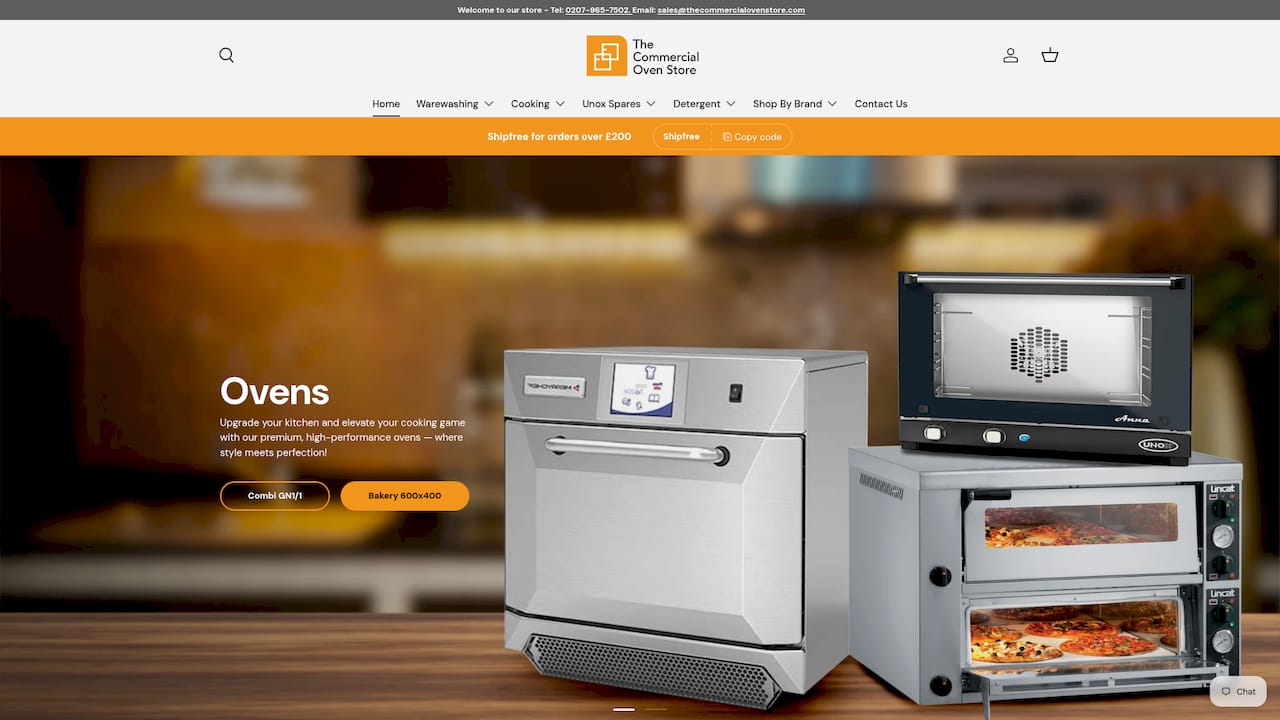
If you are weighing up whether to repair an older iCombi Pro unit or replace it, our team can discuss the options and arrange installation when a new oven is purchased, to ensure it works properly from the start. Browse the current range of commercial ovens or get in touch for advice suited to your kitchen.
FAQ
How do I reset my Rational oven?
The correct method depends on the fault and the unit family: ignition faults on iCombi Pro units reset through a green tick in the service menu, while older SelfCookingCenter and CMP units use a dedicated “Reset Gas” button or clock sequence. Rational’s ignition controller guidance notes that the underlying cause must be fixed first, since a reset alone will not hold if the fault remains.
What do the different error codes on my oven mean?
Codes cluster into families rather than standing alone: 31.x covers core or shaft probe faults, 32.x and 33.x cover combustion and gas control, and the Service 10 to 34 band covers specific hardware issues such as pumps, PCBs and level electrodes. Code 140 marks an accumulation of unresolved messages rather than a single fault.
What is the average lifespan of a Rational oven?
Rational does not publish a standard lifespan figure, and actual service life depends heavily on usage, water quality and maintenance. Regular cleaning through iCareSystem and CleanJet, along with prompt attention to service messages, tends to extend the working life of the unit.
What does Rational error 25 mean?
Service 25 relates to faulty CleanJet water circulation, typically tied to a blocked hose, a missing cleaning or rinsing agent, or a CleanJet arm fault. Checking the hose assembly and agent levels, as described in Rational’s CleanJet application notes, usually resolves it without a service call.
Sources
Keep the ignition controller, iCareSystem and CleanJet reference documents linked above close by during any callout, along with the unit’s serial number and software version. Having the right document open before you query Rational’s service line saves time on every call.
- TI_2225_en-GB - Rational technical information (automatic ignition controller)
- iCareSystem application notes (Rational)