

If your commercial convection oven shows visible damage, a gas smell, water in the electrics or signs of arcing, switch it off and stop using it immediately. If none of those apply, run a five-minute quick check and note the exact service or error code on the display. A blocked state such as Service 140.8 means the unit needs a certified technician before it runs again.
TL;DR:
- Ignition or gas-related faults often stem from simple causes like dirty burners, improper extraction airflow, or low gas pressure, not necessarily component failure.
- Repeated escalation to Service 140.8 requires a certified technician for a reset and indicates unresolved ignition or control errors.
- Automatic cleaning faults are frequently caused by opening the door mid-cycle, using incorrect cartridges, or loose temperature probes, not appliance hardware issues.
- Electrical or ventilation issues such as tripped RCDs, wiring damage, or poor hood airflow should be checked before calling a technician, as they are common sources of faults.
- Proper installation, regular cleaning, and operator training are critical to minimizing faults and preventing escalation to costly repairs or appliance shutdowns.
Table of Contents
- Quick operator checklist: the first five to ten minutes
- Common service and error codes explained (Rational examples)
- Automatic cleaning and iCare: how hygiene cycles can trigger faults
- Electrical and ventilation checks worth doing before you call a technician
- When to stop using the oven and hand it to a technician
- Why maintenance and installation matter more than the fault itself
- How The Commercial Oven Store can help with faults, spares and installation
- Manufacturer manuals and service information to keep on file
- Sources
- FAQ
Quick operator checklist: the first five to ten minutes
Before you call anyone, work through a short sequence that rules out the easy causes. This takes less time than waiting on hold, and it gives the technician a head start if the fault turns out to be theirs to fix.
- Look before you touch. Check for damaged cables, loose panels, missing grommets, pooling water or discolouration that suggests overheating.
- Confirm the power path. Check the isolator switch is on, look for a tripped RCD, and check for an obviously blown fuse.
- Check the extraction hood. Many gas ignition systems will not fire, or will lock out, if the kitchen’s extraction is not running properly.
- Note the exact code. Write down the full service number (not just “it’s showing an error”) along with the time it appeared.
- Attempt one controlled restart. Switch off, wait, switch back on, and watch what happens rather than repeating the cycle hoping it clears itself.
- Tag it if it recurs. If the same fault reappears on restart, label the oven out of use and move to the handover checklist rather than keep testing it.
Manufacturer guidance is direct on this point: operators should stop using an appliance immediately if it is damaged, malfunctioning or missing parts, and should not resume use until a qualified technician has inspected it.
Pro Tip: Photograph the display the moment a code appears. Codes can change or clear on restart, and a photo with a timestamp is worth more to a technician than a description from memory.

Common service and error codes explained (Rational examples)
Rational’s iCombi range uses a tiered numbering system, and understanding the tier tells you how much room you have to self-diagnose before calling for service. Bulletins on Service 32.x and 33.x errors describe how ignition and combustion faults escalate if they repeat.
- Service 32.x typically flags an ignition fault. Check electrode spacing, burner head cleanliness and the condition of ignition wiring before assuming a component has failed.
- Service 33.x indicates a controller-level error one step up from 32.x. A single controlled restart sometimes clears it, but repeated appearances point to a wiring or supply issue rather than a one-off glitch.
- Service 140.x is the escalation tier. Repeated unresolved ignition errors can trigger Service 140.8, which blocks the unit until a certified technician resets it through the service menu.
| Code range | Likely cause | Operator action | Who resolves it |
|---|---|---|---|
| Service 32.x | Ignition electrode, burner or wiring fault | Visual check, one restart, log the code | Operator or technician depending on recurrence |
| Service 33.x | Controller-level fault following 32.x | Restart, check for pattern of repeats | Technician if it recurs |
| Service 140.x | Blocked state after repeated escalation | Switch off, do not keep restarting | Certified technician only |
Diagnostic bulletins also note that repeated ignition faults are often traced to insufficient extraction airflow or low gas pressure rather than a faulty ignition box, so check the simple causes before assuming a part needs replacing.
Automatic cleaning and iCare: how hygiene cycles can trigger faults
Automatic cleaning systems such as Rational’s iCareSystem detect how soiled the cavity is and recommend a programme, light, medium or strong, along with the correct quantity of cleaner and descaler. That removes a lot of guesswork from daily cleaning, but it also introduces a specific set of faults if the cycle is interrupted or the wrong cartridge is loaded.
- Keep the door closed throughout the cycle: opening it mid-cleanse can trigger an alarm and waste the chemical dose.
- Use only the manufacturer-specified cartridges: a mismatched or empty cartridge is a common cause of dosing errors.
- Never leave the core temperature probe hanging loose during cleaning, as it can interfere with the cycle and register a fault.
- If foam appears where it shouldn’t, or the cycle stops partway through, follow the documented cancellation steps rather than forcing a restart.
Automatic cleaning systems reduce guesswork over manual dosing by recommending exact quantities and programme strength based on detected soiling, according to Rational’s iCareSystem documentation. Set a forced cleaning interval so the cavity never gets soiled enough to demand the strongest, longest programme, and train every operator on cartridge handling before their first solo clean. Our combi oven cleaning guide covers routine cleaning cadence in more depth.
Electrical and ventilation checks worth doing before you call a technician
A surprising number of “oven faults” are actually supply or airflow problems. Before assuming a component has failed, work through the basics.
- Confirm the isolator switch is accessible and switched on, and check whether an RCD has tripped.
- Look for visible wiring damage and confirm the supply matches the oven’s rated voltage and phase.
- Watch for symptoms of wrong polarity or a blown neutral: unexpected restarts, flickering displays or controls that behave erratically.
- Check the extraction hood is running before testing gas ignition. Ovens often refuse to fire the burner if they detect inadequate airflow, and technical bulletins list poor extraction as a recurring cause of ignition errors.
- Photograph the electrical panel, the isolator position and the display, and note any readings from a multimeter if you have one, for the electrician or technician.
Faults traced back to installation rather than the appliance itself are common enough that our guide to preventing on-site installation failures is worth reading before you commission a new unit.
When to stop using the oven and hand it to a technician
Some faults are not yours to fix. Stop use immediately if you see a blocked Service 140.x code, smell gas, spot electrical arcing, or find water inside the electrics.
- Isolate the power and gas supply and fit a visible safety tag so nobody attempts to restart it.
- Record the model and serial number, every error code shown with its timestamp, and details of the last cleaning cycle.
- Take photographs of the display and any visible damage, and note who was operating the oven when the fault appeared.
- Move production to alternate equipment and notify the kitchen manager before the next service.
Authorised technicians reset blocked states through a service menu procedure that operators cannot access, so a full handover pack shortens the visit considerably.
Why maintenance and installation matter more than the fault itself
Most of the faults above trace back to two things: how the oven was installed and how consistently it gets cleaned and serviced. Correct commissioning, proper extraction and a realistic cleaning schedule prevent the majority of ignition and control errors before they start. Pairing operator training with a maintenance contract is one of the more reliable ways to cut recurring service calls.
— Simon
How The Commercial Oven Store can help with faults, spares and installation
Sorting out a genuine fault often comes down to getting the right parts and the right hands on the job quickly. You can access a wide range of genuine ovens from leading manufacturers, alongside installation and expert advice that can assist with troubleshooting faults, and flexible payment options are available if a replacement unit is needed.
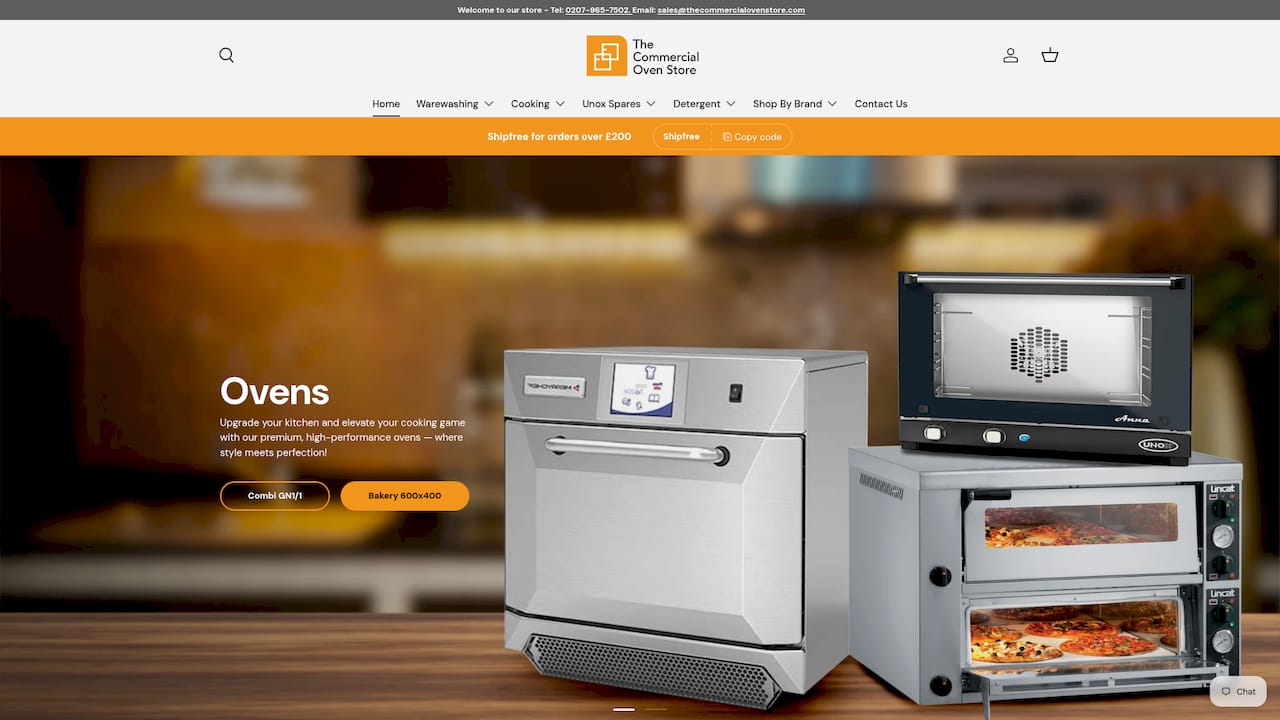
Before you get in touch, have the model and serial number ready, a note of every error code that has appeared with its timestamp, and details of the last cleaning cycle. That information lets our team point you towards the right fix, whether that’s a spare part, a service booking or a straight replacement.
- Browse convection ovens if a persistent fault points towards replacement rather than repair.
- Check installation kits and accessories if the current setup is contributing to recurring faults.
- Get in touch through our main site for installation booking or a service quote.
Manufacturer manuals and service information to keep on file
Keep these documents close to the oven, not filed away, so whoever is on shift when a fault appears can act fast.
- Rational’s technical bulletins on ignition and gas errors explain what triggers Service 32.x and 33.x messages and how to check electrodes, wiring and burner heads.
- The iCareSystem overview covers cartridge handling, programme selection and safety precautions during automatic cleaning.
- Our maintenance schedule guide sets out a practical cleaning and inspection cadence for busy kitchens.
- Our convection oven buying guide is useful background if a fault turns out to be a sign the unit needs replacing rather than repairing.
FAQ
What does Service 140.8 mean on a Rational oven?
Service 140.8 is an escalated block that follows repeated unresolved ignition or gas errors, and it stops the oven working until a certified technician resets it through the service menu. It is not something an operator can clear with a restart.
Can I fix a convection oven ignition fault myself?
Some ignition faults, such as a Service 32.x code caused by a soiled burner head or loose wiring, can sometimes be cleared with a visual check and a controlled restart. If the code repeats or escalates towards a Service 140.x block, stop and call a certified technician rather than keep restarting it.
Why does my oven refuse to ignite even though the gas is on?
A common cause is inadequate kitchen extraction. Technical bulletins note that insufficient hood airflow can prevent gas ignition systems from firing, so check the hood is running properly before assuming the oven itself has failed.
What should I do if the oven throws an error during a cleaning cycle?
Follow the documented cancellation steps rather than forcing a restart, and check that the correct cartridge was loaded, since a mismatched or interrupted cycle is a frequent cause of cleaning-related faults in systems like iCareSystem. Keep the door closed until the cycle has properly ended or been cancelled.
Does The Commercial Oven Store offer installation and expert advice for convection ovens?
Yes, The Commercial Oven Store provides installation and expert advice alongside a range of ovens from leading manufacturers, plus flexible payment options through iwocaPay. You can get in touch through the main site to discuss installation or a service query for your kitchen.